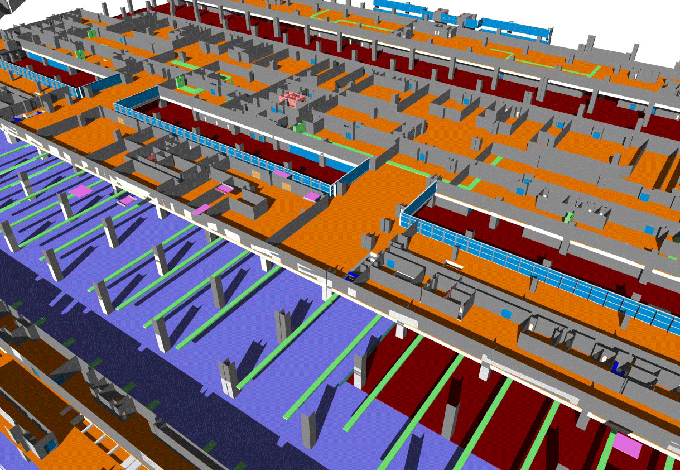
Revit Plugins for Architects and Engineers
The Revit add-ins are also known as the Revit extension or plugins, which help to add design functionality that is not available in the Autodesk Revit software. The Revit add-ins help to expand the native building information modelling capabilities of the Revit software. This process can be done by automating the repetitive tasks, adding specialised design workflows, and also by improving the design validation within the Revit software.
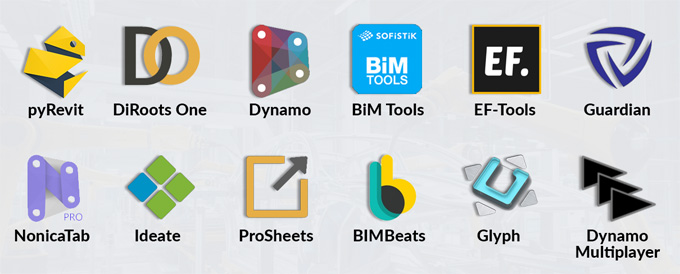
Working process of Revit add-ins
The Revit add-ins have been integrated with the Autodesk Revit software, which can be accessed through the Autodesk App Store. The user can install the Revit add-ins from the Autodesk App Store or from the Autodesk account page.
While installing the Revit add-ins from the Autodesk App Store, the user has to follow these steps:
1. At first, the user has to close the Revit software, then go to the Autodesk App Store and click on Revit.
2. After that, the user has to click on the “Please Sign in First” option and select the add-in that they need.
3. After that, the user has to click on the blue “Download” button to download the installation file. While the download is done, the user has to click on the file to start the installation process of the Revit add-in. The user has to follow the prompts to complete the installation process.
To install the Revit add-ins from the Autodesk account page, the user has to follow the following steps:
1. At first, the user has to visit manage.autodesk.com. Then, the user has to sign in to this website.
2. After signing in, the user has to click on “All Products and Services” under the “Products and Services” option.
3. In the next step, the user has to select the desired Revit add-in, and then they have to click on the “download” button.
4. After completing the downloading process, the user has to click the file to begin the installation process. In this case, the user also has to follow the prompts for the successful completion of the add-in installation process.
Learn about the Revit scripting
The Revit scripting process helps to automate the repetitive tasks of the designs, helps to explore the complex design problems within the Revit software and also helps to streamline the BIM design workflows within the Revit design models.
The Revit scripting process helps to create a script that helps to meet the specific design needs of the users, which helps to save hours of design work for the users. Dynamo is an open-source visual programming tool which involves scripting within the Revit software. The user can use Dynamo to create scripts within the Revit software, which helps to control and modify the design elements in the design project.
The Dynamo tool uses a node-based interface, which allows users to connect nodes or blocks to build the script within the Revit software. The dynamo scripts help to handle a variety of design functions, which help to arrange the design objects, design the custom design workflow or manage the complex building data.
Discuss the components of the dynamo scripts within the Revit software
Nodes
The nodes are the building blocks of the dynamo scripts, which help to perform specific functions, for example, modifying the design parameter, drawing a line or transforming the design object.
Wires
After placing the nodes, it needs to be connected by using wires. The wires of the dynamo scripts help to represent the data flow between the nodes and help to carry information from one to the other.
Inputs and outputs
Each node should have one or more inputs and outputs. In this context, the inputs indicate those values or data that have been required by the node to perform its function. On the other hand, the output indicates the results or data that have been generated by the nodes after completing their function.
Understanding the benefits of the Revit scripting process
Improve automation
The Dynamo scripts automate the placement of the design elements, create schedules and also help to update the design parameters. A well-crafted script helps to complete the design tasks within a minute.
Improve design collaboration
The Dynamo script also helps to simplify the design processes, which enable the project team members to work in the Revit model collaboratively and more efficiently. The effective data management feature of the dynamo scripts also helps to improve the design coordination among the project team members, which helps to reduce the design errors on large design projects.
Increase customisation
The dynamo scripts also allow users to build design workflows and solutions that have been tailored to the requirements of the design project.
Create a complex design model
The dynamo scripts also help to allow the users to create more advanced parametric designs, which is valuable for the engineers and architects who require a high degree of customisation within the Revit design model.
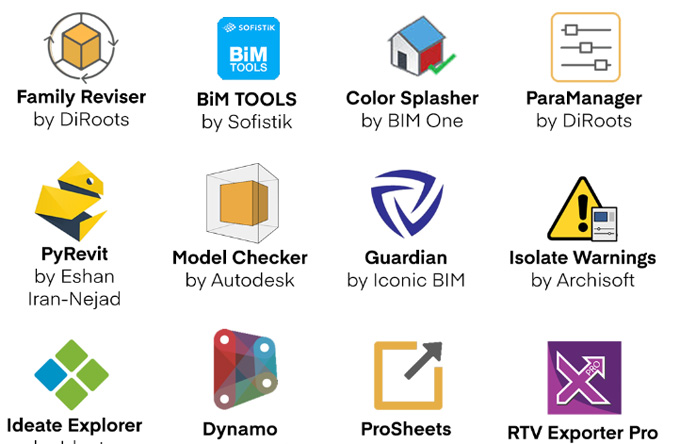
Gallery
Feel free to contact us for BIM requirements. One of our representative will respond you within 24 Hours. Send us your projects requirement today and grow your project.
Explore More !