
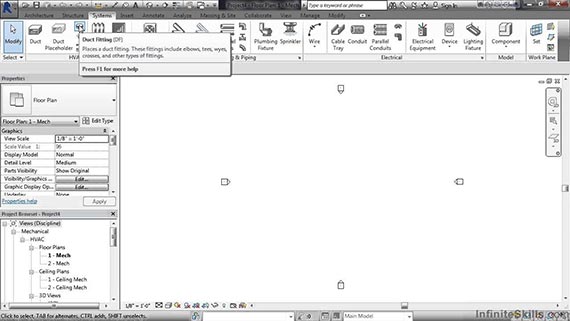
This is a learning process how to make use and customize the user interface to boost the productivity and simplify your workflow.
We're here to help if you don't know where to look for information about BIM.

21/1 Canal Street, Laketown, VIP crossing
Kolkata, West Bengal - 700 048
E mail : enquiry@bimoutsourcing.com
Phone: (+1) 713 429 1909
All right reserved. All site content copyright.
Site Design and Developed by Global Associates